Post
Configuring IntelliJ to work with Podman
One of the things I missed when I migrated from Docker to Podman was the builtin integration in IntelliJ.
Update: IntelliJ Idea version 2021.3 now supports Podman out of the box. If you are using that version, these may not be needed anymore.
One of the things I missed when I migrated from Docker to Podman was the builtin integration in IntelliJ. As more users migrate to Podman, I believe it will be supported, since there seems to be interest for it. In the mean time, it's possible to make IntelliJ work well with it with just a small work around.
In order to it to work, you have to trick IntelliJ into thinking it is working with Docker.
First, create a symlink to point the Docker socket to the Podman socket:
ln -s /run/user/$(id -u)/podman/podman.sock /var/run/user/$(id -u)/docker.sock
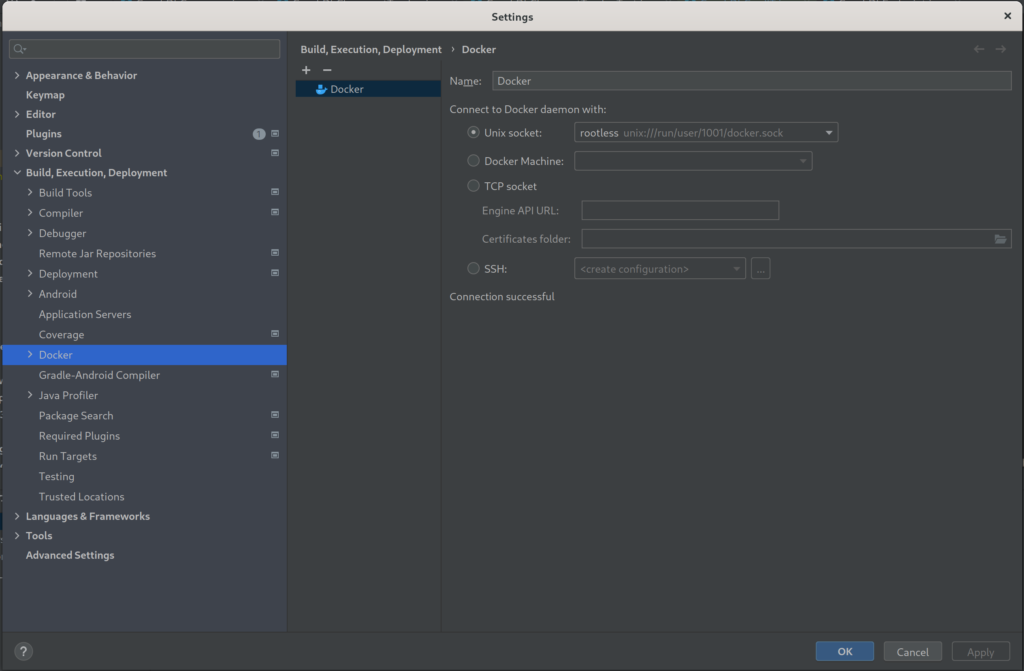
Then, adjust your Docker configuration so that it uses a rootless Unix socket to talk to the Podman daemon, like in the image below:
You can check if it is working, by going to the services tab and connecting to the daemon. It should display the images and other of your local resources:

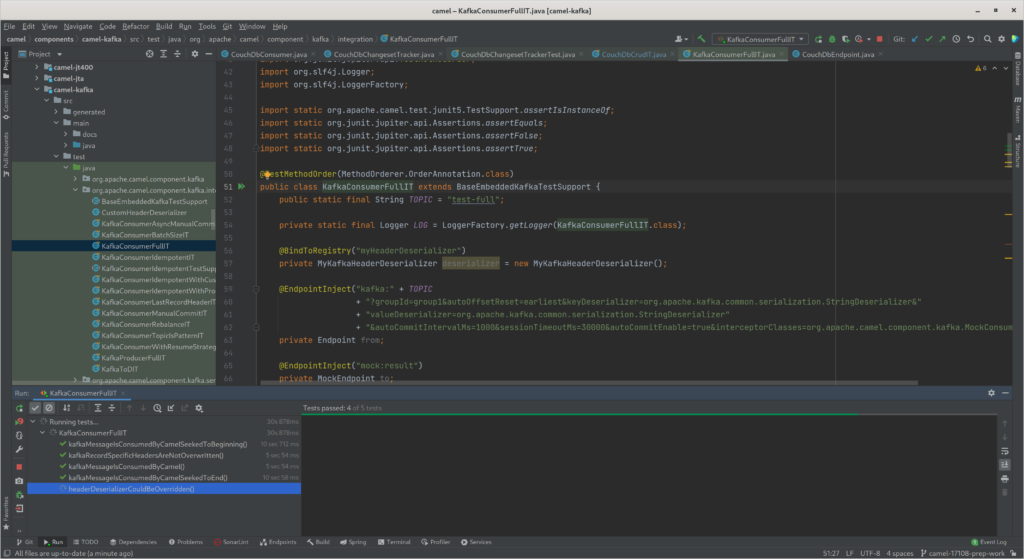
I believe that linking the socket also helps with running tests based on TestContainers, as you don't have to export the DOCKER_HOST variable anymore. They should "just work", as they used to with Docker and as shown in the image below:
This should work for Fedora. I haven't tried this on OS X yet, but I presume it would work with similar steps.